Drive Compare and Verify
Two read-only Windows tools: see what moved between two drives, and prove an archive folder is still intact.
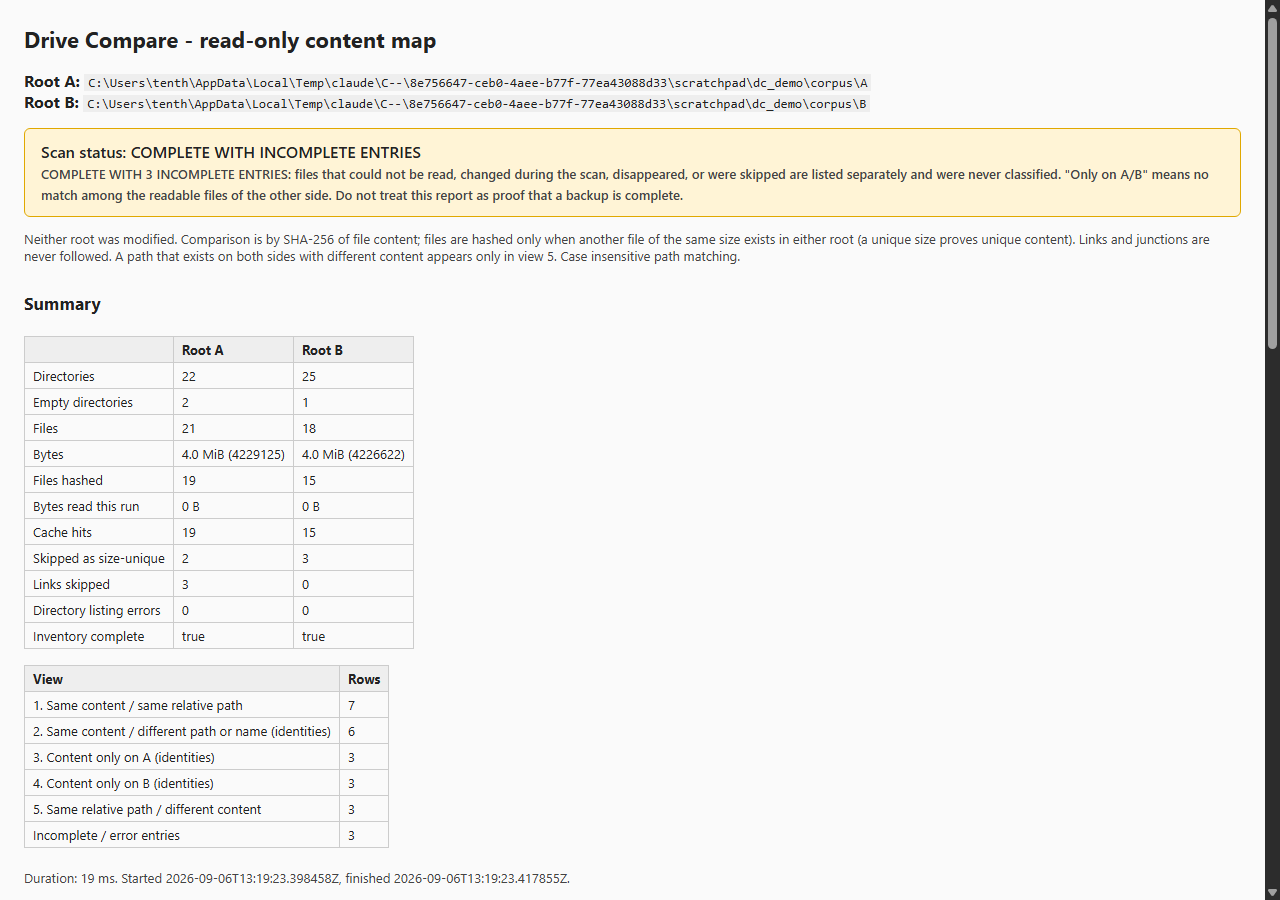
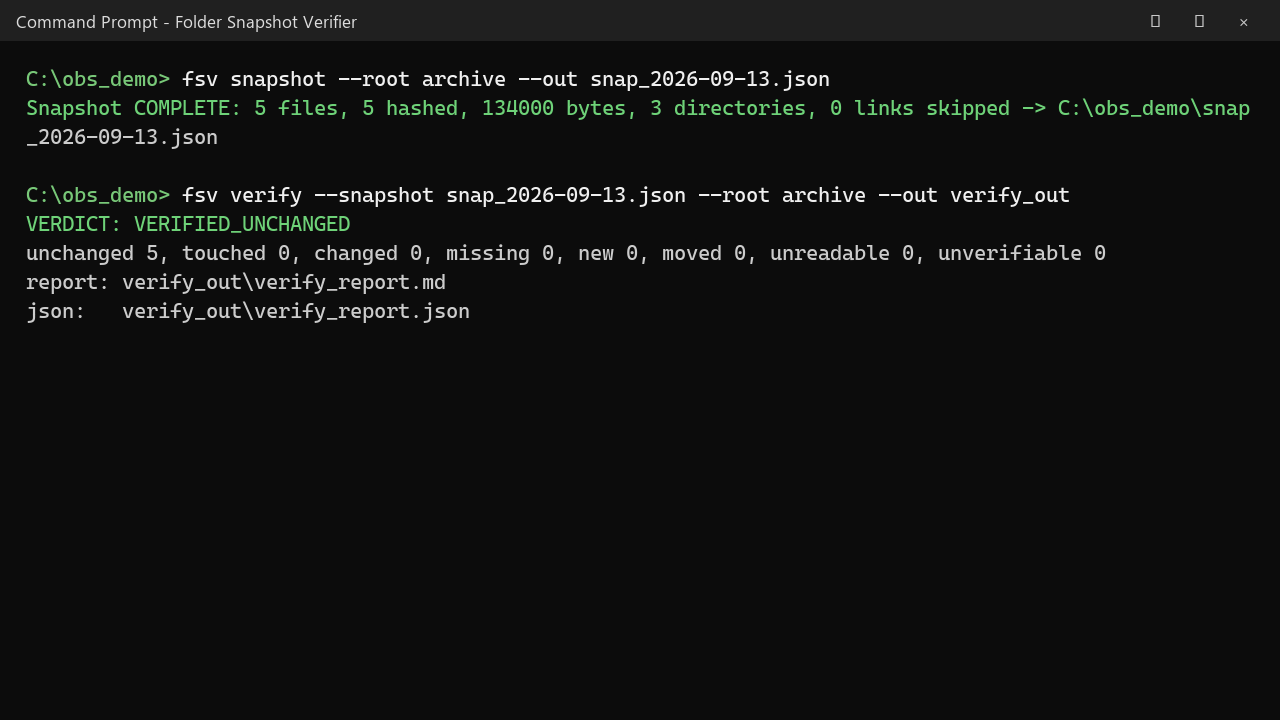
Drive Compare and Verify is a pair of small, read-only command-line tools for Windows. They never write to the folders they inspect.
Drive Compare answers one question about two folders or drives that were organized differently: which file content exists on both sides, which exists on only one side, and where did matching content move or get renamed. It compares by SHA-256 of the actual bytes, not by name, and writes a self-contained HTML report plus JSON and CSV. A hash cache makes the second run of a large scan take seconds.
Folder Snapshot Verifier records a folder (paths, sizes, dates, SHA-256) into one JSON file. Run it again months later and it reports unchanged, touched, changed, missing, new, moved and unreadable files, with a plain verdict. Full mode re-hashes everything, so silently corrupted files with an untouched date are caught.
Both tools refuse to write inside the folder they scan, never follow links or junctions, can be cancelled with Ctrl+C, and label every result as complete, incomplete or cancelled. No installer, no runtime, no account, no network.
Privacy: the program runs entirely on your PC. No account, no network requests, no data collected. Sold through itch.io, which handles the payment.