
In this guide What Midnight Conveyor is Controls Products and recipes Contracts The build cards Wear and the robot Settings and the watch mode Tips Questions and answers
What Midnight Conveyor is
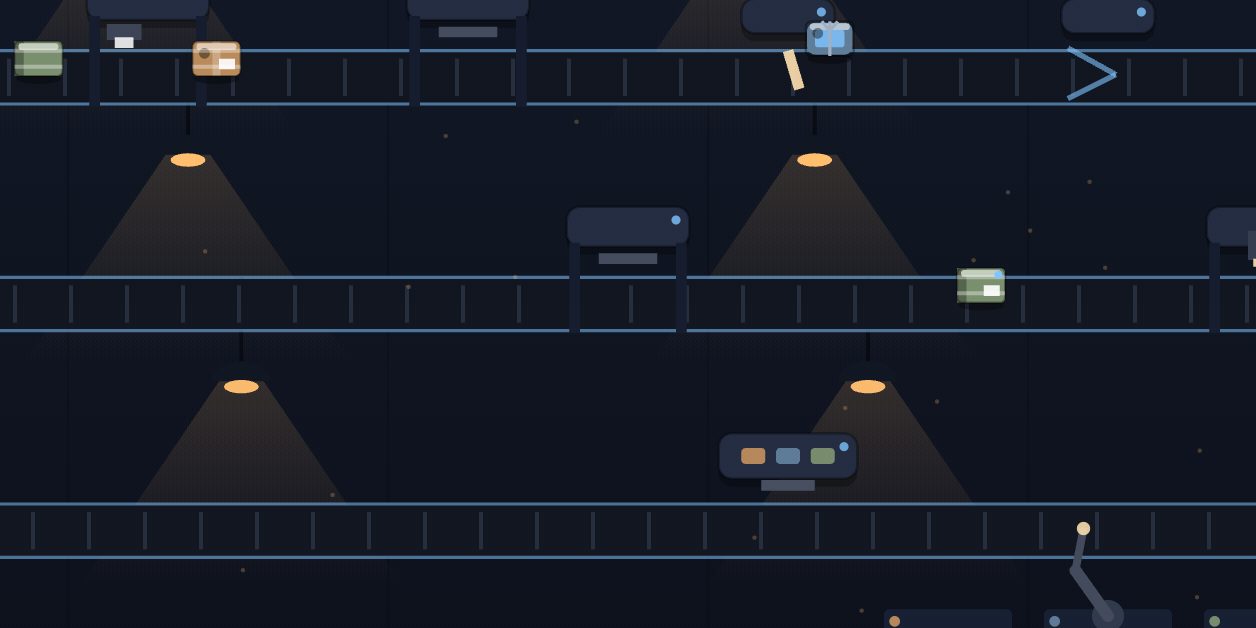
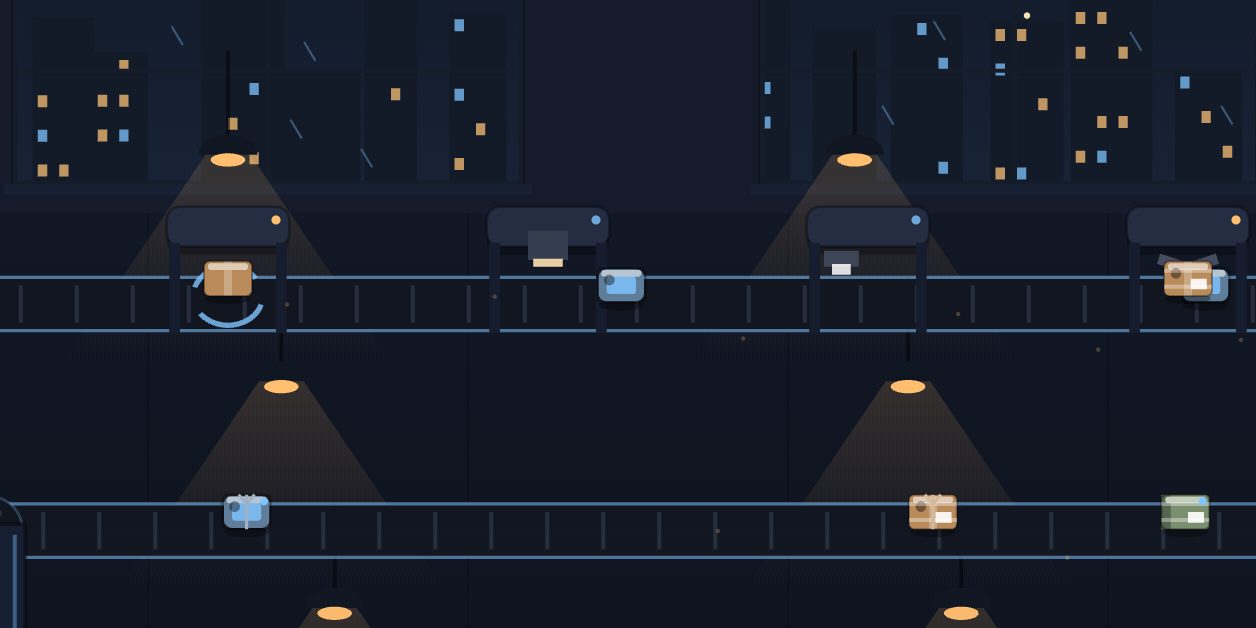
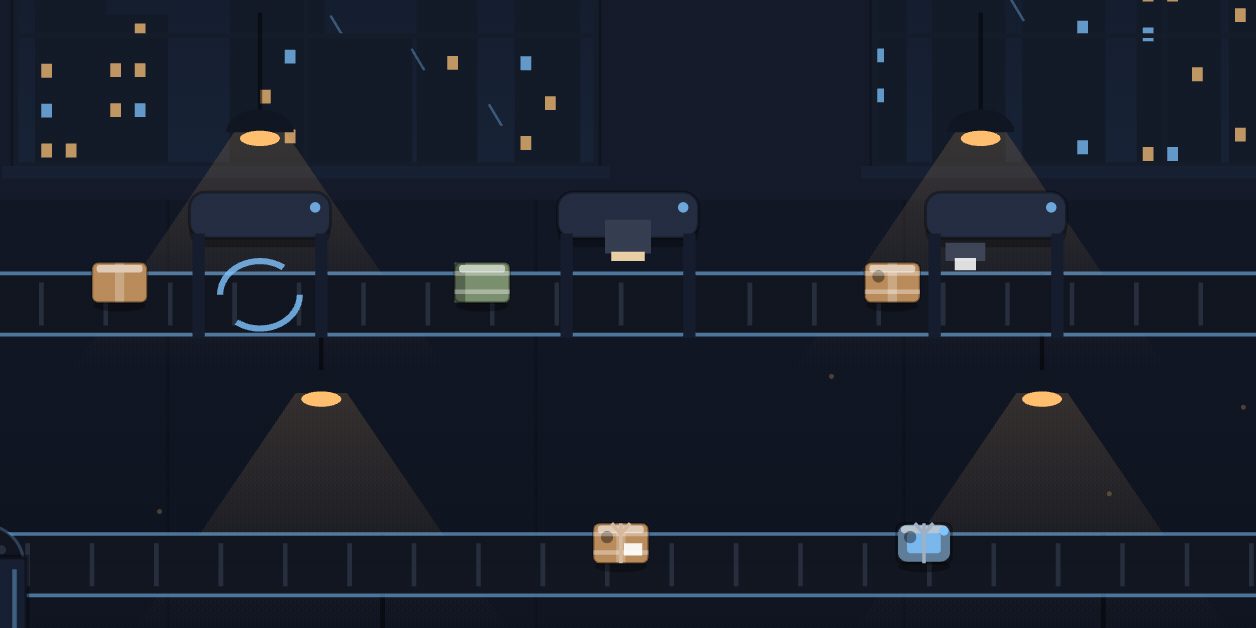
Midnight Conveyor is a cozy automation game set in a tiny factory at night. Items come in at the door, ride a winding conveyor through the machines, are sorted into lanes, stacked into neat piles and shipped by truck. Every delivery earns credits. The line does all of this without you. Your part is deciding what the factory becomes.
Nothing ends a run. There is no timer and no way to lose, the belts never jam for good, and progress saves by itself on your device.
Controls
Tap a card in the build bar at the bottom of the screen to buy it. That is the whole interface. The bar shows up to three cards at a time, the next ones on the factory's plan, and buying one brings the next into view. Cards with a bright border are affordable now and dimmed ones need more credits. You do not place machines by hand: you buy an option and the factory fits it into the line. The gear icon opens settings.
Products and recipes
| Product | Full recipe | Credits per item |
|---|---|---|
| Parcel | Stamp, label, wrap, seal | 8 |
| Gadget | Scan, stamp, seal | 12 |
| Book | Label, wrap, scan | 10 |
A new factory has a stamp press and a box sealer, so at first a parcel is simply stamped and sealed. An item only receives the steps that machines on your floor can perform, and it picks up the rest of its recipe as you build the labeler, the wrapper and the scanner. The credits for an item depend on the product, not on how many steps it went through.
Parcels are the starting product, and the Gadget Line and Book Line are build cards. Parcels remain the most common item after other lines are added. Finished items are stacked by product, and every pile of five ships for a bonus of 10 credits. About one item in 36 is golden and pays five times its normal value.
Contracts
The card at the top of the screen is your current contract, and the line works on it automatically. There are three kinds. A packing contract asks for a number of items of one product, starting at 10, and pays 70 percent of what those items are worth. An earning contract asks for a total of credits, starting at 120, and pays 35 percent of that total. A shipping contract asks for a number of piles, starting at two, and pays 60 credits plus 30 per pile. Each completed contract makes the next one a little larger, and the next one arrives a few seconds later.
The build cards
- Processing machines: Labeling Station (80), Wrapping Machine (120) and Scanner Gate (300), then second and third copies of the machines at higher prices.
- Product lines: Gadget Line (180) and Book Line (380).
- Floor space: Second Floor Lane (260), Third Floor Lane (700) and Fourth Floor Lane (950).
- Flow: Splitter + Merger (340), which alternates items into two side lanes and joins them again, and Belt Speed II (460) and III (760).
- Robotic Arm (420), an upgrade at the stackers.
- Efficiency Polish, a repeatable card that starts at 700 credits, costs 15 percent more each time and adds 1 percent to the value of every item.
Wear and the robot
Machines wear as they work. A machine that needs service keeps running but takes about a third longer on each item. A maintenance robot patrols the floor and services worn machines by itself, so wear slows the line for a while and never stops it.
Settings and the watch mode
Settings has switches for sound, haptics and reduced motion. Under CINEMATIC MODE you can choose a run style, the time of night and the weather, then press Watch factory to hide the interface and let a camera tour the line. Triple-tap to come back. Reset progress is at the bottom of the same sheet.
Tips
- If the card you want is not showing, buy through the cheaper ones. The bar only ever offers the next three on the plan.
- Product lines raise what the line earns per item. A gadget pays 12 credits and a book 10, against 8 for a parcel.
- Read the packing contract before you wait on it. It names one product, and only that product counts toward it.
- A pile bonus is 10 credits for five items, which adds 2 credits to every item that reaches a stacker.
- Each Belt Speed card makes every belt in the factory faster, so it helps all lanes at once.
- Efficiency Polish is the card for a finished factory. It adds 1 percent per purchase and can be bought again and again.
Questions and answers
Can I choose where a machine goes?
No. You buy an option from the build bar and the factory places it in the line.
Do more machines make an item worth more?
No. An item's credits depend on its product. New machines add steps to the recipe being performed, and product lines and Efficiency Polish are what change the value.
What is a golden item?
A rare item, roughly one in 36, that pays five times its normal value when delivered.
How do I leave the watch mode?
Triple-tap the screen.